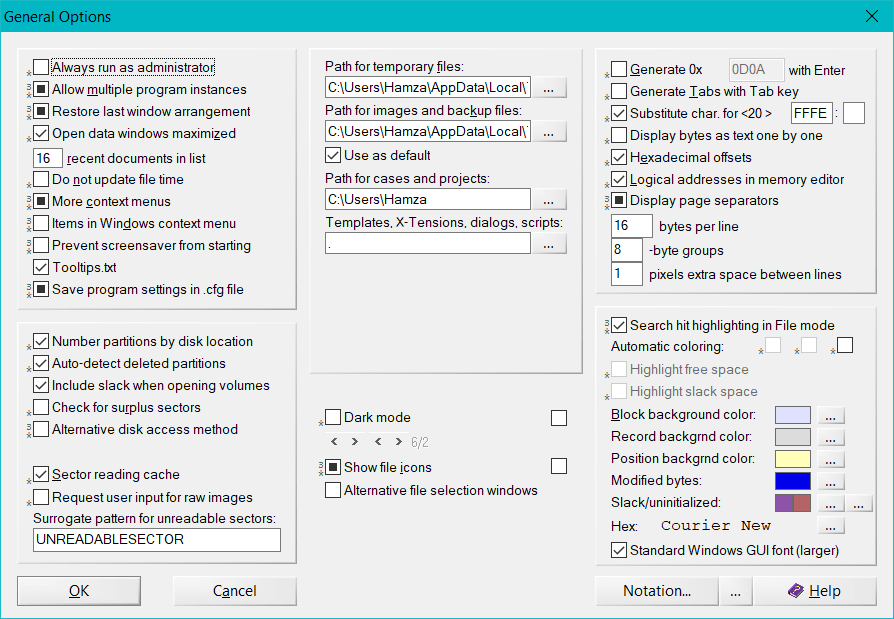
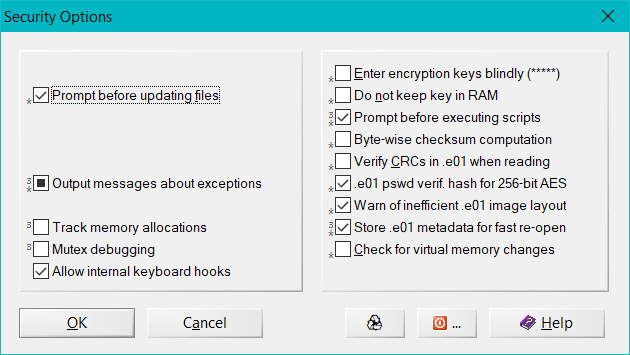
The WinHex Editor is a universal hexadecimal editor that is highly effective and useful when it comes to fixing Windows registries and protecting your computer from unwanted malware. But that is not all. The WinHex Editor has a much broader feature set that can help you conduct data recovery, low-level registry programming, increase your system security, and much more.
If we are being honest, once you get the hang of it, the capabilities of the hexadecimal editor are almost endless. You can conduct a lot of actions, and there are a lot of learning tutorials on the internet on how to edit hexadecimal files, including registry files.
Registry editing and file manipulation
The most important feature for any hexadecimal editor is to fix the registry files. If you did not already know, registry files for Windows are written in binary format and can be viewed or fixed using WinHex. Windows registry files store configurations and settings that normally cannot be easily changed, or fixed if there is a problem. You can define and edit subkeys and values within the registry files and work on your requirements and hacks.An impressive feature set
The features of the WinHex editor are almost too numerous to list. We will try to talk about the more important ones that could be more helpful than the others.
The 1st feature that is particularly handy is the disk editor that can be used to edit disk drives including hard drives, SSDs, floppy disks (yes, those old things), CD and DVD Drives, ZIP, and so much more. The 2nd feature that deserves recognition is the RAM editor through which you can understand which processes are using how much memory and how you can access it.
If you are a tech geek, the 3rd feature that deserves a mention is that you can learn more about how your computer operates in detail. For example, once a virus/malware is removed, you can check out its details using WinHex and see in detail how the process/virus was affecting your PC and how it was removed. Other features that might not be used in daily life include a data interpreter, OS-Wide Write Protection, erasing files securely, and conversion of different files.More than just a basic file editor
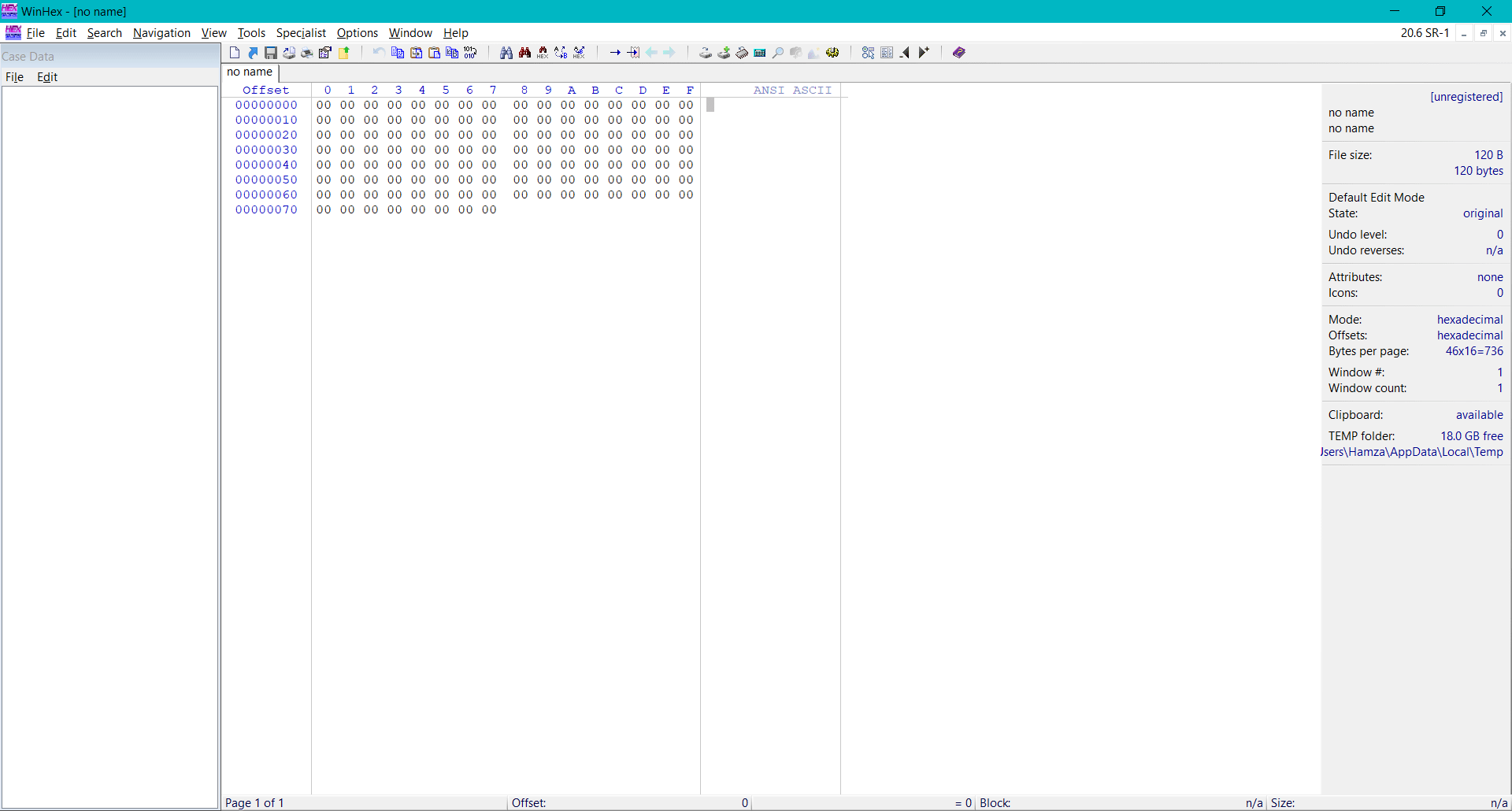
WinHex is a competent hex editor that does so much more than merely editing hexadecimal files and Windows registries. From fixing disk drives to data recovery, WinHex is a powerful tool that will help you get the most out of it. The interface may be a little old-looking, like it is from the Windows XP era, but that shouldn't stop you from executing your tasks.
The good thing is that for individual/non-commercial users, there is a free evaluation version, although you need to purchase a license if you want to use the premium features such as the reconstruction of RAID systems and installing it on more than one system.